Steps to save a .docx as PDF
- Open the editor at wordcraft.run/editor and drag your .docx onto the page (or use File › Open). Older .doc files, .odt and .rtf open the same way.
- Check the pages. Scroll through in Print Layout, the default view. Zoom out (Ctrl+scroll or the View tab) to see several pages side by side. This is how the PDF will look.
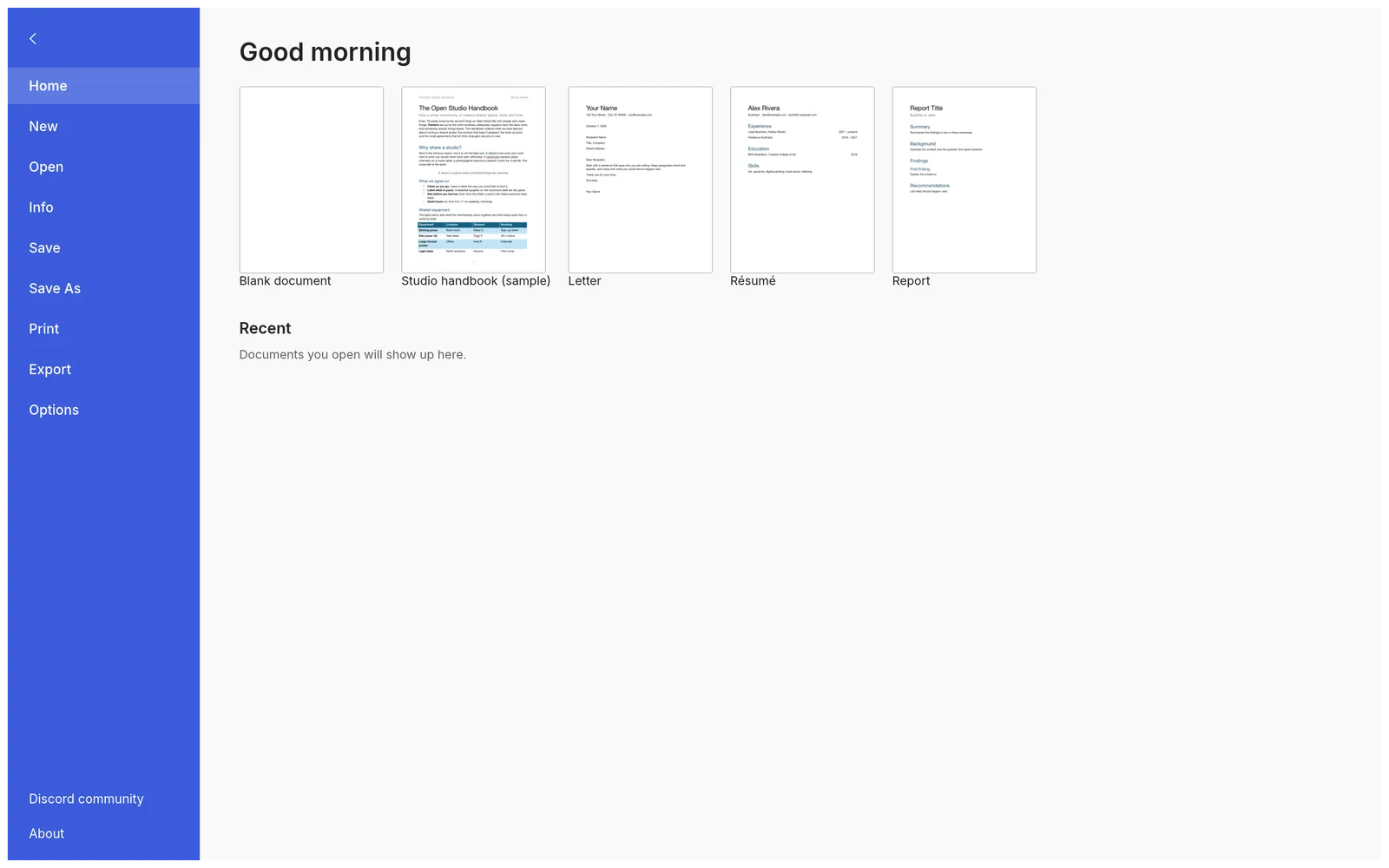
- Export. Click the File tab, choose Export, then PDF document (*.pdf).
- Find the PDF in your downloads. It has the document’s name with
.pdfat the end. Open it and check it before you send it.
Print on the File tab goes through a PDF too: it opens your browser’s print dialog with the document ready to print. Use Export when you want the file, Print when you want paper.
What the PDF contains
- Selectable, searchable text, including what fields show (page numbers, dates, cross-references) and footnote numbers.
- Embedded fonts, as subsets of the characters used. A font that can’t be subset is drawn as outlines instead of failing.
- Clickable links and an outline of bookmarks from your headings.
- Document properties (title, author, subject, keywords) and tags for headings, paragraphs and pictures with their alt text, which help screen readers.
Check these before you export
- Fonts. In the browser, WordCraft draws text with its built-in fonts (Source Serif 4, Source Sans 3, Inter, JetBrains Mono, and faces for Japanese, Chinese and Arabic) because a web page can’t use the fonts on your computer. If your document is set in Calibri, Times New Roman or a brand font, the PDF uses the closest built-in font. For exact fonts, export from the desktop app, which uses your installed fonts.
- Page breaks. WordCraft’s pagination is close to Word’s but not identical yet, so a line or a picture can move to the next page. Look through the pages first and add a page break (Ctrl/⌘+Enter) where you need one.
- Tracked changes. The PDF shows the document without markup, as in Word’s No Markup view: insertions appear as ordinary text and deletions are left out. If some changes shouldn’t go out, reject them in the Review tab first.
- Charts and SmartArt are drawn from the data stored in the file. Check that they look right.
Other formats
The same File › Export list saves a Word document (.docx), OpenDocument Text (.odt), Rich Text Format (.rtf), a web page (.html), Markdown (.md), LaTeX (.tex), plain text (.txt) or a picture of a page (.png). Every export is a copy; your document stays open as it was.
Tips
- Nothing to convert yet? Start from a letter, résumé or report template on the File tab, or draft the text with the AI writing assistant, then export.
- Received a .docx you can’t open? See how to open a .docx without Word.
- Many files to convert? The command-line tool that comes with the desktop app does it in one line:
wordcraft-cli convert report.docx report.pdf.
FAQ
Is my Word file uploaded to make the PDF?
No. WordCraft lays out the pages and writes the PDF inside your browser, and the PDF arrives as a download. Nothing about the document reaches wordcraft.run’s servers.
Can people copy text from the PDF?
Yes. The text in the PDF is real text, not a picture of it, so it can be selected, copied and searched, including the results of fields such as page numbers. Fonts are embedded as subsets.
Do links and headings carry over?
Links stay clickable, and the document’s headings become bookmarks (the outline in the PDF viewer’s sidebar), so long documents are easy to navigate.
Can I make a PDF/A file for archiving?
Not at the moment. WordCraft has no PDF/A option and no choice between “best for printing” and “best for online”; it writes one standard PDF.
Can I turn a PDF back into a Word document?
No. WordCraft doesn’t open PDFs, so it can’t convert one back into an editable document. Keep the .docx you exported from, and make changes there.